
Log into Adobe Account
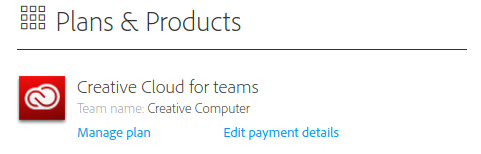
Under Plans and Products, click "Manage Plan"
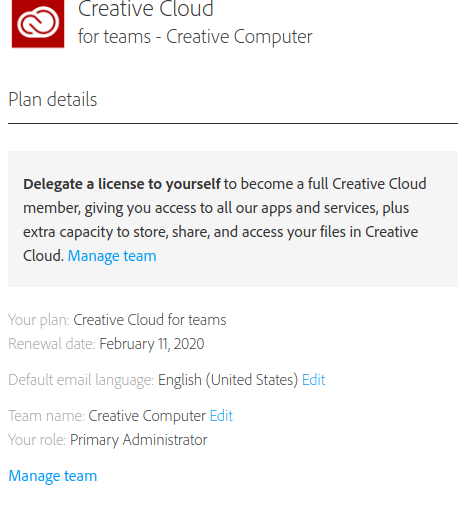
Click "Manage Team" Under Plan Details
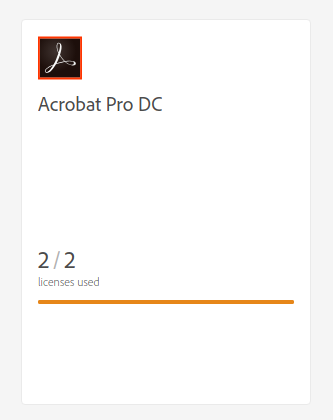
Click "Acrobat Pro DC"
Add or Remove Users Here
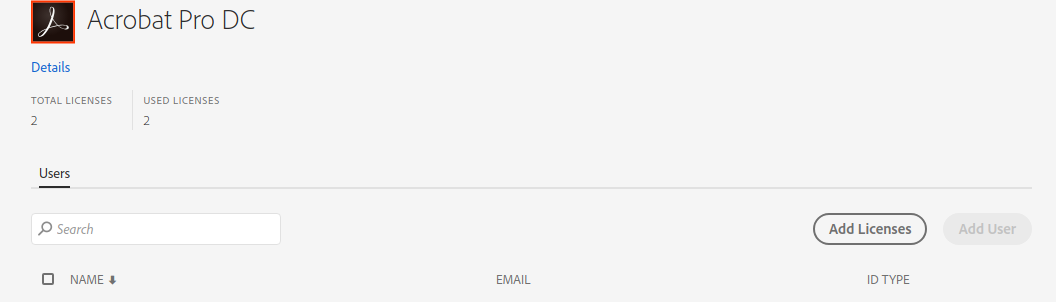
When you add a user, you can put their email address in and they will get an email to create an Adobe ID and download Acrobat Pro DC.